Most photo-app reviews are done with a few hundred sample images. That is a fine way to judge an interface and a poor way to predict what happens with a real family archive, the kind built from decades of cameras, phones, scanned prints, and several contributors, which crosses into the tens of thousands of photos without anyone deciding it should. This post uses one real archive to show what scale does to photo software.
All Our Years was built and tested on a family drive holding 314,391 photos and videos from 1998 to 2026, about 1.7 TB in total. The first full read of it took one night over USB.
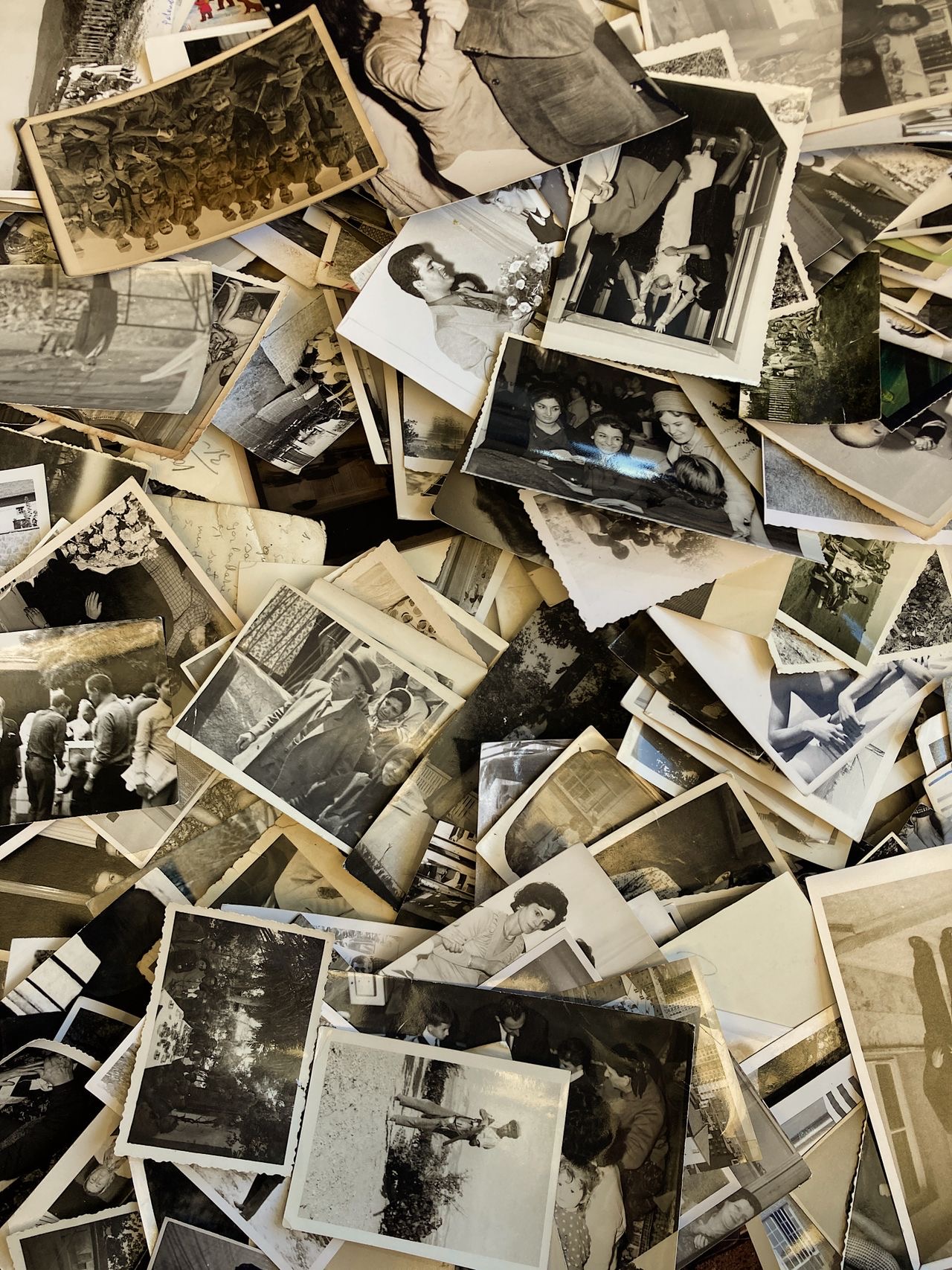
How an archive gets this big
Nobody accumulates 300,000 photos on purpose. A family archive is several camera rolls stacked across decades and merged: a parent's phone since 2011, a partner's phone from about the same year, whatever the kids' devices have produced since, plus a box of scanned prints from before smartphones existed. None of those feels enormous alone. Together they reach a size that most consumer photo software was never tested against, because most individual users never get there.
What breaks at that scale
Import time and disk space
Many consumer photo apps import your files into a managed library, copying and sometimes converting each photo so the app can index it. At a few hundred photos, that is a coffee break. At 1.7 TB it can take days, and it often leaves a second copy of the entire archive next to the original. That can mean needing roughly double the free space on a drive that is already full of decades of photos.
The app gets sluggish
Some apps that feel quick with a modest library slow down as it grows: scrolling stutters, search takes longer, thumbnails lag behind. This is a pattern, not a verdict on any one product. Most consumer tools are tuned against realistic single-user libraries, not multi-decade family archives.
Manual tagging becomes a wall
Tagging who is in a photo works by hand for the first hundred images. At 314,391 it is not slower, it is structurally impossible for one person to finish, especially when the same child looks completely different at three and at thirteen. At this scale, identification is automated or the archive never gets tagged.
Duplicates multiply
Burst shots, the same event backed up from two phones, a scanned print that also exists as a later digital original: duplicates and near-duplicates grow with the archive, not with your patience. Software has to find them for you.
What a large-archive tool has to do differently
Read in place
No import queue, no managed library, no second copy of files you already have safely stored.
Cluster automatically
Group faces and likely duplicates across the whole archive instead of asking you to tag one photo at a time.
Use what's already there
Read the family's own folder names and dates as a signal instead of starting from nothing.
All Our Years is built around this approach. It reads a folder of photos on a drive you already own, in place, without moving, renaming, uploading, or duplicating anything. It detects events automatically and tracks the same person's face across years. There is no cloud component and no account needed. It is free to try with no time limit (the whole drive is read; 100 photos from every year plus the 10 earliest videos are viewable, the rest blurred), and $59 once unlocks everything for up to 3 Macs.
When you don't need any of this
If your library is a few thousand photos from one or two phones, none of the above applies. Apple Photos and Google Photos are well tuned at that size and not worth replacing. What matters is archive size and number of contributors, not brand preference.
| A few thousand photos, one contributor | Hundreds of thousands, several contributors, decades | |
|---|---|---|
| Import | Fast regardless of approach | Import-based apps can take days; read-in-place skips it |
| Disk space | A managed-library copy is a rounding error | A second copy of the whole archive may not fit |
| Tagging people | Manageable by hand if you want to | Only realistic if automated |
| Duplicates | Easy to eyeball | Needs automatic clustering to be findable at all |
| Best fit | Apple Photos, Google Photos | A read-in-place, auto-clustering tool |
For a broader comparison, including where the mainstream apps win, see our guide to the best software for an existing family photo archive.
FAQ
How many photos is too many for consumer photo apps?
There is no official cliff, but complaints about sluggish browsing, slow imports, and stalled search tend to start in the tens of thousands, which is where a multi-decade, multi-contributor family archive usually lands.
Does importing a huge archive take a long time?
It depends on whether the app imports at all. Apps that build a managed library read, convert, and copy every file first, and that scales with archive size. Software that reads a folder in place skips that step. On the 314,391-item test drive, the first full read took one night over USB.
Can duplicate detection work automatically at scale?
It has to, because comparing hundreds of thousands of photos by hand isn't realistic. Automatic clustering is a starting point for review, not a silent deletion tool: it groups likely duplicates and repeated faces for you to look at.
Do I need special software if I only have a few thousand photos?
No. Apple Photos or Google Photos handle that scale well.
Does All Our Years replace my backups?
No. You still need your own backup plan for the files. Our backup guide covers the 3-2-1 rule.