Most backup advice is about surviving a single bad afternoon: a dropped laptop, a stolen bag, a drive that clicks instead of spinning up. That advice is correct. But it assumes something that stops being true on a 20-year timescale: that if a copy of your files exists somewhere, you're fine.
Over 20 years, "the copy still exists" and "the copy still works" come apart. Storage media wears out even on a shelf. File formats fall out of default support. Companies that hosted your backup get acquired, pivot, or shut down. All of that has already happened, more than once, in less time than you're planning for.
Things that went obsolete inside one adult lifetime
Someone reading this may have graduated high school, gone to college, and had kids in the time it took the following to go from "the normal way to store files" to "a specialty recovery problem":
- Floppy disks and early optical media. 3.5" floppies were a standard way to move files in the 1990s, and finding a working drive to read one today is a project. Early CD-Rs and DVD-Rs have a well-documented failure mode called "disc rot," where the dye or reflective layer degrades over 10 to 20 years however carefully the disc was stored. Some of the first home-burned photo backups are failing on a shelf, untouched.
- Proprietary camera RAW formats. Early digital cameras and some scanner software saved images in formats specific to one manufacturer or one application. When the software is discontinued, opening the file can mean hunting down an old program that no longer runs on a current operating system.
- Discontinued cloud services. Photo and file-sharing services have opened, built a loyal user base, and shut down (with an export window, if you were lucky and paying attention) in well under 20 years. A cloud copy is only as durable as the company running it.
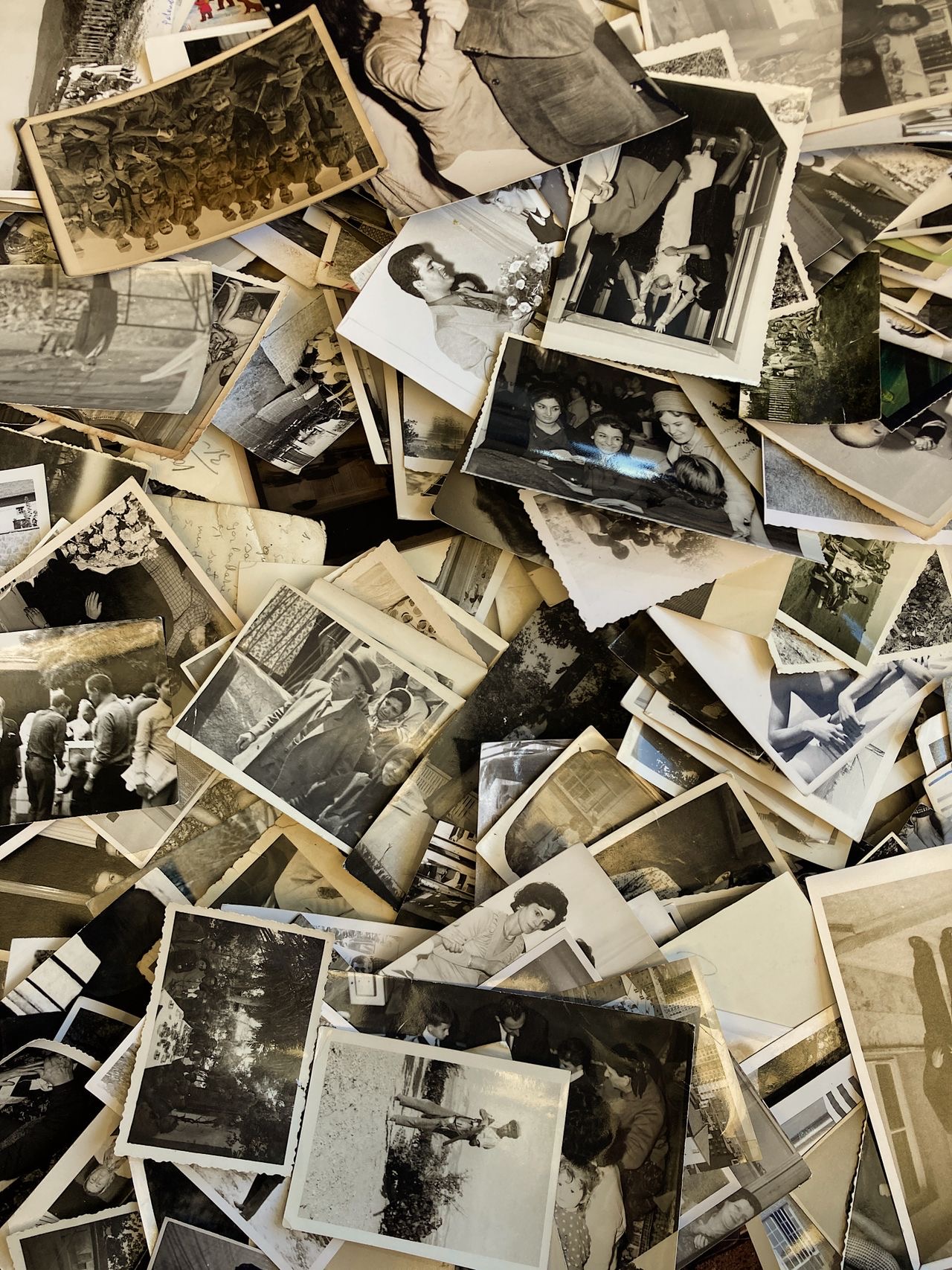
Prints have an odd advantage here: a physical photograph needs no compatible drive, working software, or company still in business. It just needs light. That's no argument against digitizing, but it shows what a digital backup has to work harder to match.
Verify and migrate on a schedule, not in a crisis
Digital backups are still the right tool, and far more practical than prints at family-archive scale. But "backed up" can't be a one-time event. It needs a habit with two parts:
- Verification. Once a year, open the backup. Don't just check that the drive mounts or the folder exists; open several files from different years and confirm they display correctly. That is the only way to catch a failing drive, a corrupt file, or a fading disc while there's time to act.
- Migration. When a format or medium is aging out (a discontinued app, a drive near the end of its typical life, a cloud service winding down), move the files to something current before you're forced to. Migrating on your own schedule is a calm afternoon. Migrating because a service announced it's shutting down in 30 days is a scramble, and scrambles are where files get missed.
Boring formats age better than clever ones
The more common and less proprietary a format, the longer it stays readable, because no single company's decisions can strand it.
| Format type | Examples | Long-term outlook |
|---|---|---|
| Plain, widely adopted | JPEG, TIFF (photos) · MP4/H.264 (video) | Supported by essentially every OS, viewer, and app today; no single vendor controls them |
| Camera RAW | Manufacturer-specific RAW formats | Fine to keep alongside a plain-format copy for extra editing detail; risky as the only copy, since support depends on that manufacturer's software |
| App-proprietary | Formats tied to one discontinued app or service | Unreadable once the app stops running on current systems, unless you migrate first |
Whatever else you keep, make sure a plain-format copy (JPEG or TIFF for stills, MP4 for video) exists somewhere in your backups. It doesn't have to be the only copy. It has to be the one you're confident will still open in 2046.
The 3-2-1 rule: how many copies, and where
The 3-2-1 rule is old and not specific to photos; IT departments have used a version of it for decades. In one sentence: keep 3 total copies of your data, on 2 different kinds of media, with 1 of those copies offsite. It is the right amount of structure for an archive of photos that can't be retaken. It covers the redundancy half of a plan; the verification and migration habit above covers the other half.
Why 3 copies, not 2
Two copies is a working copy and a spare. When one fails, you're down to a single copy with no safety net while you arrange a replacement. With three, you still have two intact copies even while dealing with a failed drive.
Why 2 different kinds of media
People often satisfy "more than one copy" with two drives that are identical in every way that matters: same model, same age, possibly the same batch. If one has a manufacturing flaw or fails from age, the other is likely to fail the same way on a similar timeline. Your second copy should differ from the first in some real way: a different drive model, a NAS instead of a second plain drive, or a cloud service instead of hardware you own. Whatever kills one copy should have no particular reason to kill the other.
Why 1 copy offsite
Two copies on the same desk, or in the same house, go up in the same fire, get taken in the same burglary, and drown in the same flood. Offsite means physically somewhere else: a drive at a relative's house, a safe deposit box, or a cloud backup service. It is the part of the rule that protects against a disaster large enough to take out a whole location.
What it looks like for a household
- Copy 1, the working drive. The drive or NAS you use day to day, where photos get added and family members browse.
- Copy 2, a second drive kept at home. A different physical drive, ideally a different model or purchase, that you periodically sync the archive onto. It sits in a drawer, ready if the working drive fails.
- Copy 3, offsite. Either a third drive at a relative's house (swapped now and then so it's never far out of date) or a cloud backup service used only to hold a backup copy, not as your way of looking at photos. Choose based on whether you'd rather manage a physical handoff or a subscription.
None of this is exotic: two drives you already know how to use, plus a decision about where the third copy sits. The comparison of external drives, NAS devices, and cloud storage is the next read if you haven't settled what Copy 1 and Copy 2 should be.
The cost
A second drive costs money. An offsite copy costs either a recurring fee or the mild social overhead of asking someone to hold a drive and occasionally swap it. Keeping everything in sync takes an hour every few months. For photos it is worth it, because most other data has a second source: a bank can reissue a statement, a company can resend a contract, a spreadsheet can be rebuilt from someone else's copy. A photo of a specific afternoon, with specific people at a specific age, has one author. Once it's gone, nobody can recreate it.
Back up an archive that is already organized. If you haven't done that yet, start with our guide to organizing decades of scattered family photos; backing up a mess gives you a backed-up mess. And if originals are still trapped on a phone, the iPhone photo offload guide comes first.
Why this matters more for family photos than for anything else on your drive
A lost work document can usually be rewritten from memory and old emails. A lost family photo has no second author. Nobody can reconstruct what a specific afternoon in 2004 looked like, or a grandparent's expression in a photo nobody else took. The backup plan should reflect that, not with more anxiety, but with the modest recurring habit of checking.
FAQ
Do file formats really become unreadable over time?
Yes, and it has already happened within living memory. Early digital cameras and scanners saved images in proprietary formats tied to software that no longer exists or no longer runs on current operating systems. Common formats are safe only as long as something popular still reads them.
How often should I check on an old backup?
Once a year is enough for most families. Plug the drive in, open a folder from several years back, and confirm a handful of photos open. The goal is catching a failing drive or aging format early, not a full audit.
Is a backup from 10 years ago still good?
Probably, but you don't know until you open it. Ten years is long enough for a drive to be near the end of its typical life, for a format to have fallen out of default support, or for a cloud service to have shut down. An unverified decade-old backup is an assumption.
What file formats age best for photos and video?
Plain, widely adopted formats that no single company controls: JPEG and TIFF for photos, MP4 (H.264) for video. Camera RAW and app-proprietary formats are fine as extra detail alongside a plain-format copy, but risky as the only copy.
Isn't the 3-2-1 backup rule enough on its own?
3-2-1 (three copies, two kinds of media, one offsite) protects against losing a copy. It doesn't protect against a copy that still exists but has become unreadable because its format or media aged out. You need redundancy plus periodic verification and migration.
What does "2 different kinds of media" mean?
Your two local copies shouldn't be identical drives from the same batch. Two different drives, or a drive plus a NAS, satisfy it. Whatever causes one copy to fail shouldn't be equally likely to take out the other.
Does cloud storage count as my offsite copy?
Yes, if you use it purely as a backup rather than your day-to-day way of viewing photos. A cloud service you browse from is really your working copy in another location, and it still depends on one company.
Is a NAS with redundant drives the same as 3-2-1?
No. A NAS with redundant drives protects against one drive inside it failing. It doesn't protect against the NAS being stolen, flooded, or burned, since every drive is in one place. 3-2-1 needs at least one copy somewhere else.